Da Dictionary for PC supports Windows, macOS and GNU/Linux.
  • Da Dictionary for Windows
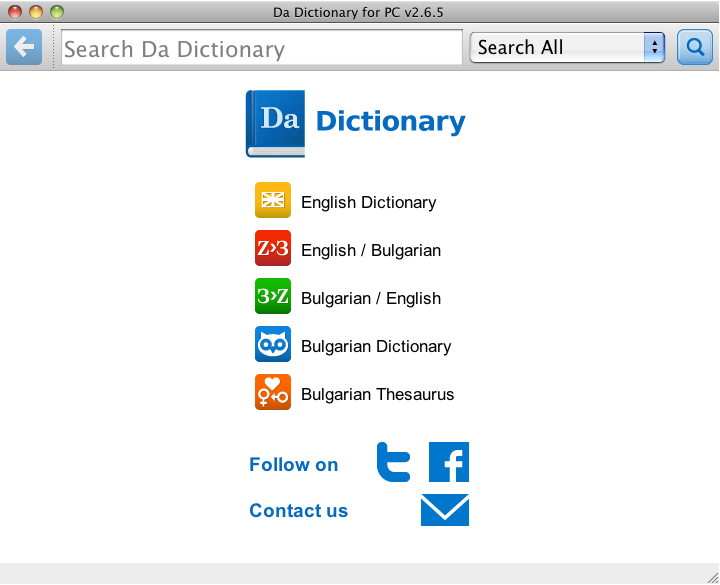
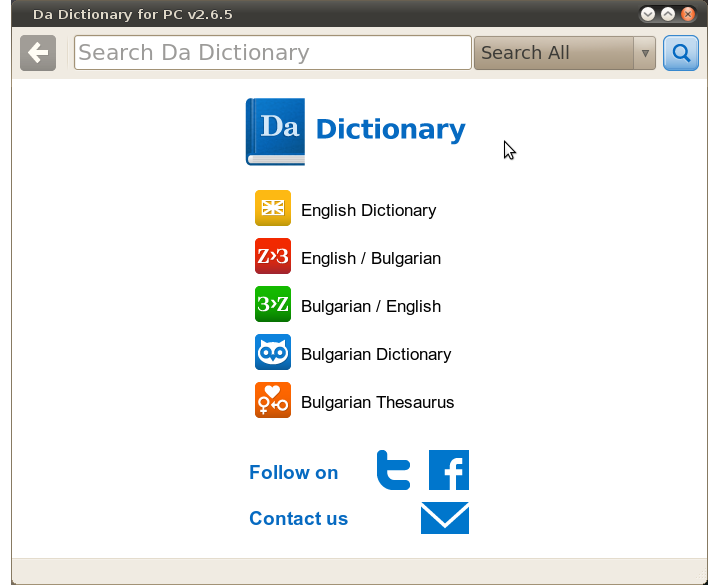
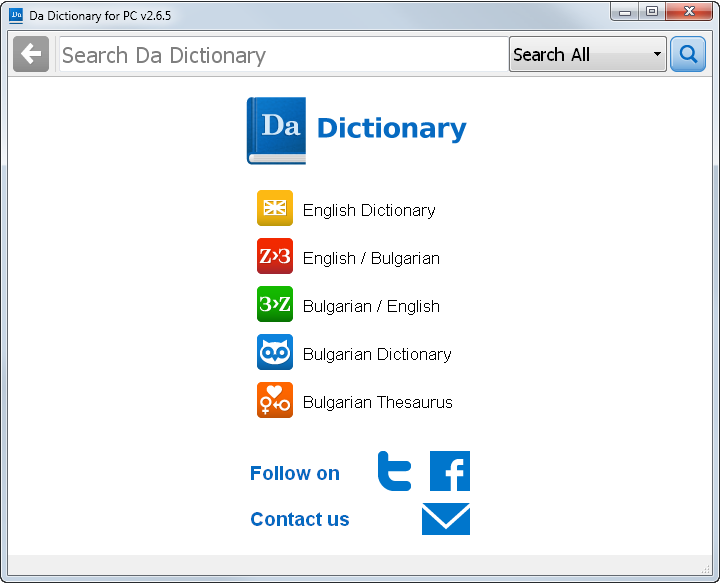
    Works with 5 dictionaries offline. No internet connection necessary. No ads!
  • Da Dictionary for GNU/Linux
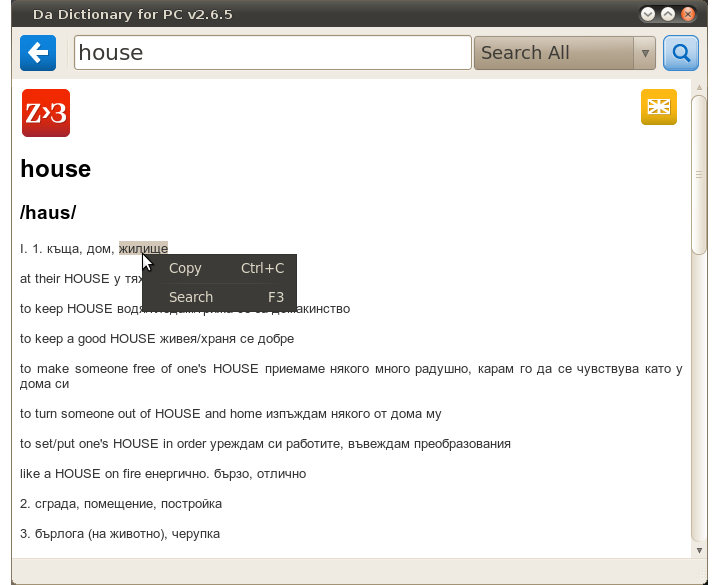
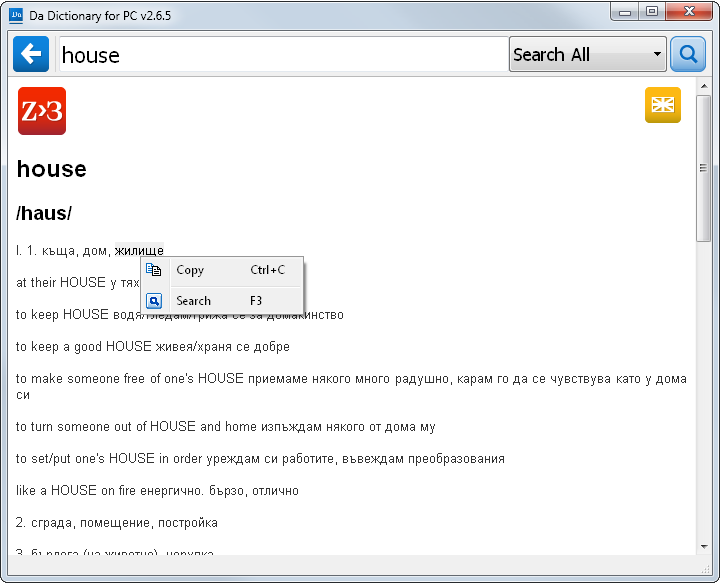
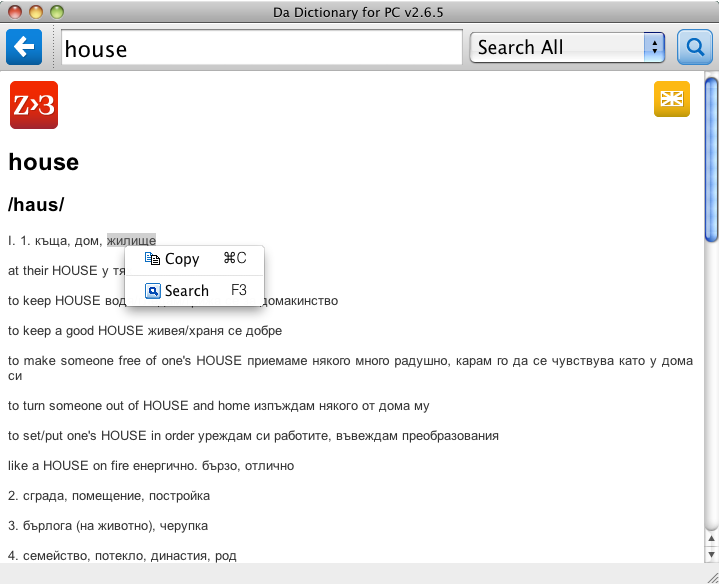
    Allows you to view word, transcription and meanings for more than one dictionary. Selected text can be copied into the clipboard or used directly for a new search
  • Da Dictionary for Mac OS X
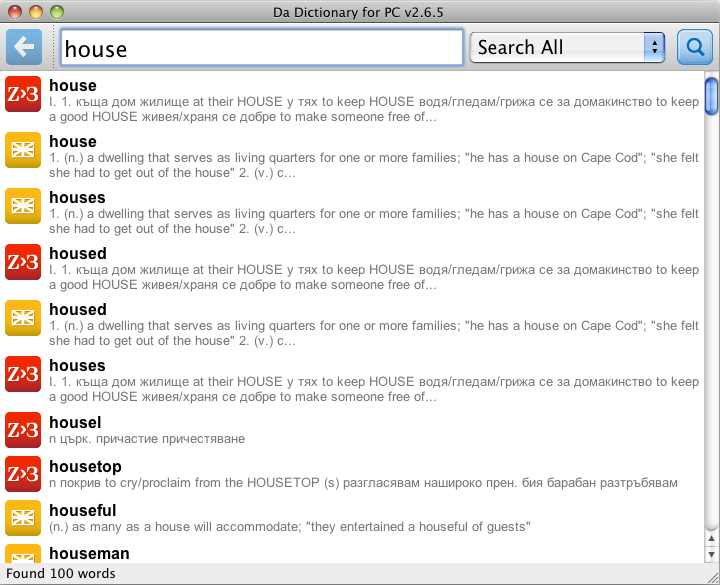
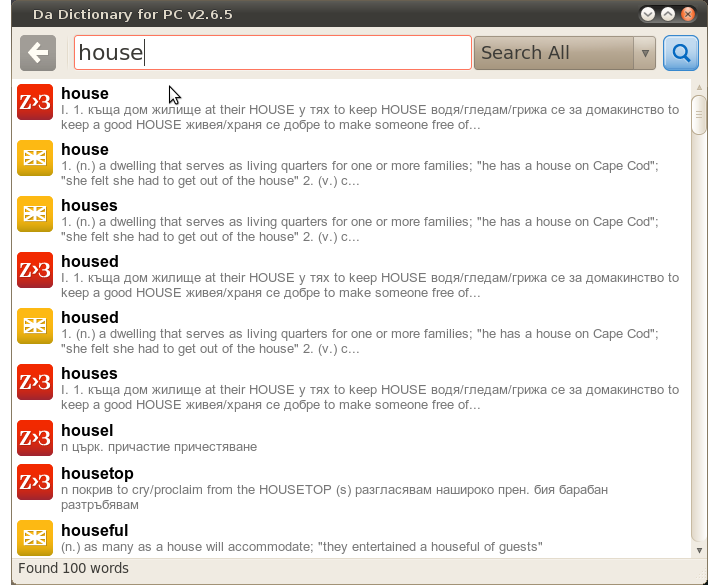
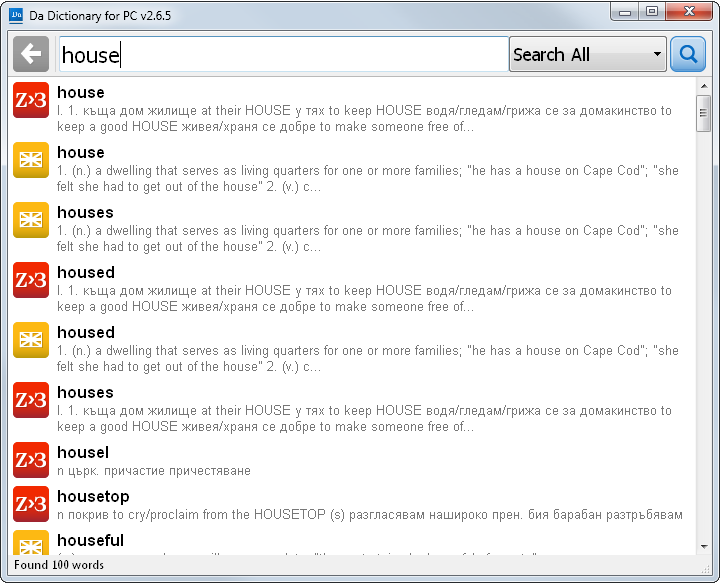
    Does simultaneous search in multiply dictionaries as you type
  • Da Dictionary for Windows
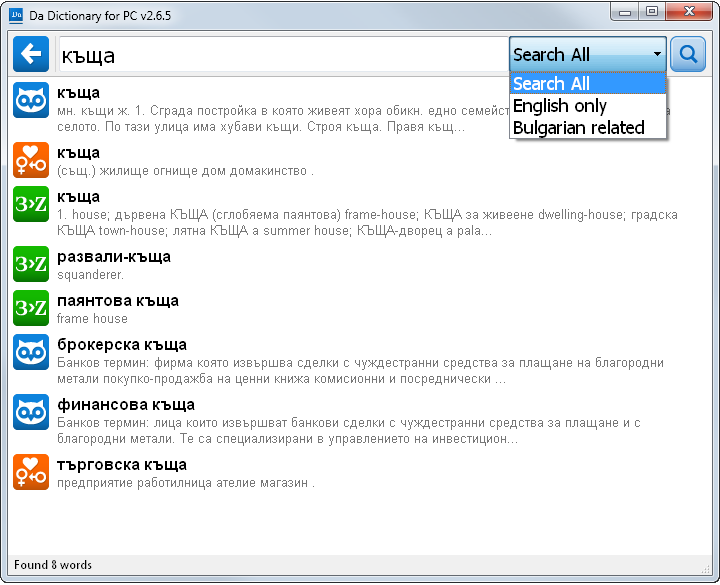
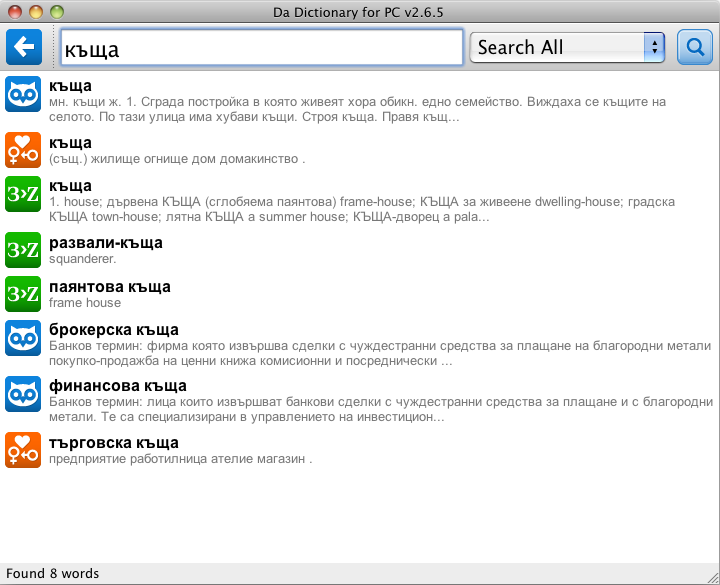
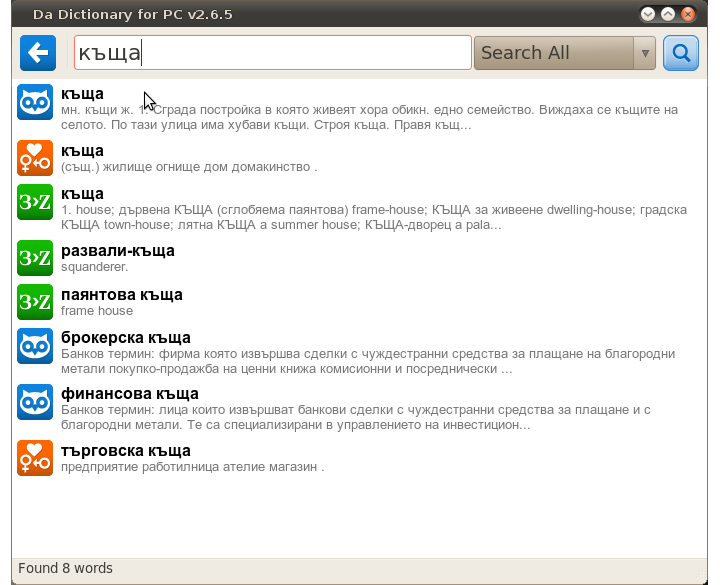
    You can easily filter dictionary sets. Works with Latin and Cyrillic search input
  • Da Dictionary for Mac OS X
    Works with 5 dictionaries offline. No internet connection necessary. No ads!
  • Da Dictionary for Windows
    Allows you to view word, transcription and meanings for more than one dictionary. Selected text can be copied into the clipboard or used directly for a new search
  • Da Dictionary for GNU/Linux
    Does simultaneous search in multiply dictionaries as you type
  • Da Dictionary for Mac OS X
    You can easily filter dictionary sets. Works with Latin and Cyrillic search input
  • Da Dictionary for GNU/Linux
    Works with 5 dictionaries offline. No internet connection necessary. No ads!
  • Da Dictionary for Mac OS X
    Allows you to view word, transcription and meanings for more than one dictionary. Selected text can be copied into the clipboard or used directly for a new search
  • Da Dictionary for Windows
    Does simultaneous search in multiply dictionaries as you type
  • Da Dictionary for GNU/Linux
    You can easily filter dictionary sets. Works with Latin and Cyrillic search input

Download

Current release — v3.2.5 64-bit

Released 05.08.2026. Full dictionary content, improved transcriptions, light & dark themes.

Legacy release — v2.6.5 32-bit

Still available and unchanged, for computers the 64-bit release does not cover — Windows XP/Vista/7, 32-bit GNU/Linux and Intel Macs.

Version history

05.08.2026 - v3.2.5

  • Full dictionary version included + updated and improved transcriptions
  • Better keyboard shortcuts — try arrow keys in search results, Ctrl+L, Ctrl+1 / Ctrl+2 for different meanings, Ctrl+Left arrow for back
  • Light and dark theme supported, plus a choice of tint colors
  • Rebuilt as a 64-bit app: Windows 10/11, macOS 13+ (Apple Silicon), GNU/Linux x86_64 and ARM64

21.12.2011 - v2.6.5

  • Added support for context menu with Copy and Search options
  • Changed overal design and colors
  • Improved query speed and better dictionary filtering
  • Updated database software to the latest version
  • Minor icon issue fixed in Mac OS X variant

19.11.2011 - v2.1.5

  • Added additional dictionary (English Dictionary)
  • Added dictionary filter

v1.0.4

  • Initial version